

The right hardware peripherals can make your flight simulation experience more immersive and realistic. From handheld controllers to joysticks and full cockpit setups, there are a wide variety of options to suit different budgets, preferences, and goals. This guide will help you navigate a number of peripheral options, ranging from entry-level to high-end setups. The following peripherals are recommendations; however, there are many companies that create great products. We welcome you to search for compatible peripheral companies online.
Joysticks or Yoke?
A common question from new players is whether to start with a joystick or a yoke. While this ultimately comes down to personal preference, the decision depends on the type of aircraft you plan to fly.
- A yoke is more realistic for aircraft that use this control system, such as the Cessna 172 or Boeing 787.
- A joystick offers more flexibility, making it easier to control fighter jets, helicopters, and a variety of other aircraft in Microsoft Flight Simulator.
There are many variations of aircraft types and yoke/joystick combinations, with no necessarily right or wrong setup. However, you may want to tailor your hardware choice to the type or manufacturer of aircraft you fly most in the simulator. While some general aviation aircraft use side (joy)sticks, the vast majority have yoke systems, including many civilian aircraft such as Boeing airliners and vintage or heritage planes. Meanwhile, modern Airbus airliners, military fighter jets, and gliders typically use side (joy)sticks. Helicopters have a distinct control system called a cyclic, which functions similarly to a joystick—making a joystick the recommended option for helicopter flying.
Additionally, there is a wide variety of flight simulation peripherals available beyond those mentioned in this guide. We encourage you to explore different products to find what best suits your personal preferences, budget, and flying style. To discover additional options, consider searching online for flight simulation hardware, checking community forums, or visiting retailer websites that specialize in simulation equipment.
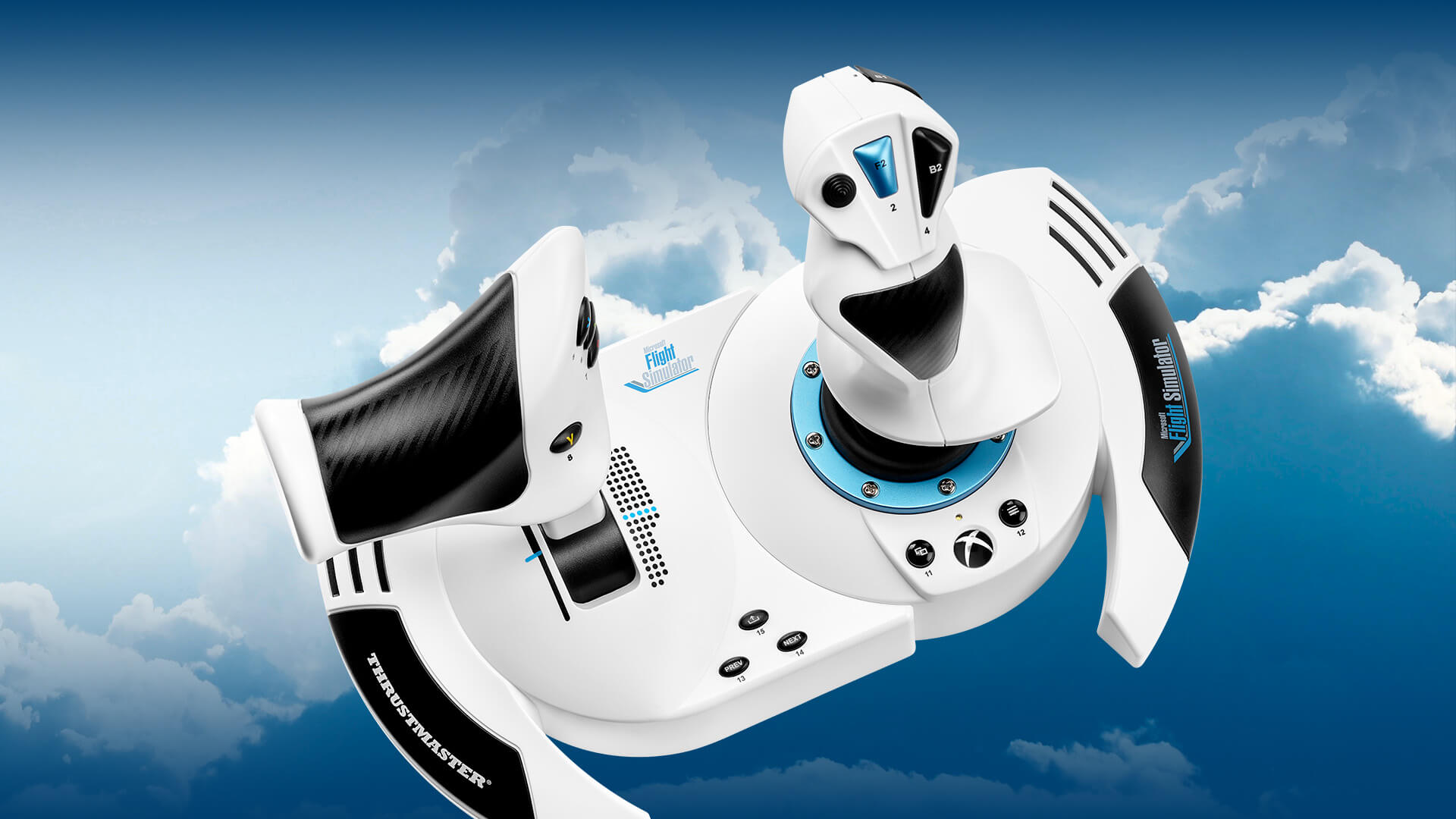
Joysticks
Entry-Level Suggestions:
- Thrustmaster T.Flight Stick X (RRP $44.99) PC
- Thrustmaster T.16000M FCS (RRP $79.99) PC
- WINCTRL URSA MINOR Airline Joystick (RRP $79.90) PC
Mid-Range Suggestions
- WINCTRL URSA MINOR Fighter Joystick (RRP $110) PC
- MOZA AB6 Flight Simulator (RRP $399) PC
High-End Suggestions
- RealSimGear Cirrus Side Stick (RRP $1599) PC
Yokes
Entry-Level Suggestions
- Logitech Flight Yoke System (RRP $169.99) PC
Mid-Range Suggestions
- Turtle Beach VelocityOne Flight Universal Control System (RRP $379.99) PC/Xbox
- Honeycomb ALPHA Flight Controls XPC (RRP $370.58) PC/Xbox
High-End Suggestions
- Thrustmaster TCA Yoke Pack Boeing Edition (RRP $499.99) PC/Xbox
- VKB Gladiator NXT EVO (RRP $120) PC
- Turtle Beach VelocityOne (RRP $129.99) PC/Xbox
- MOZA AY210 Force Feedback Yoke (RRP $848) PC
Throttles
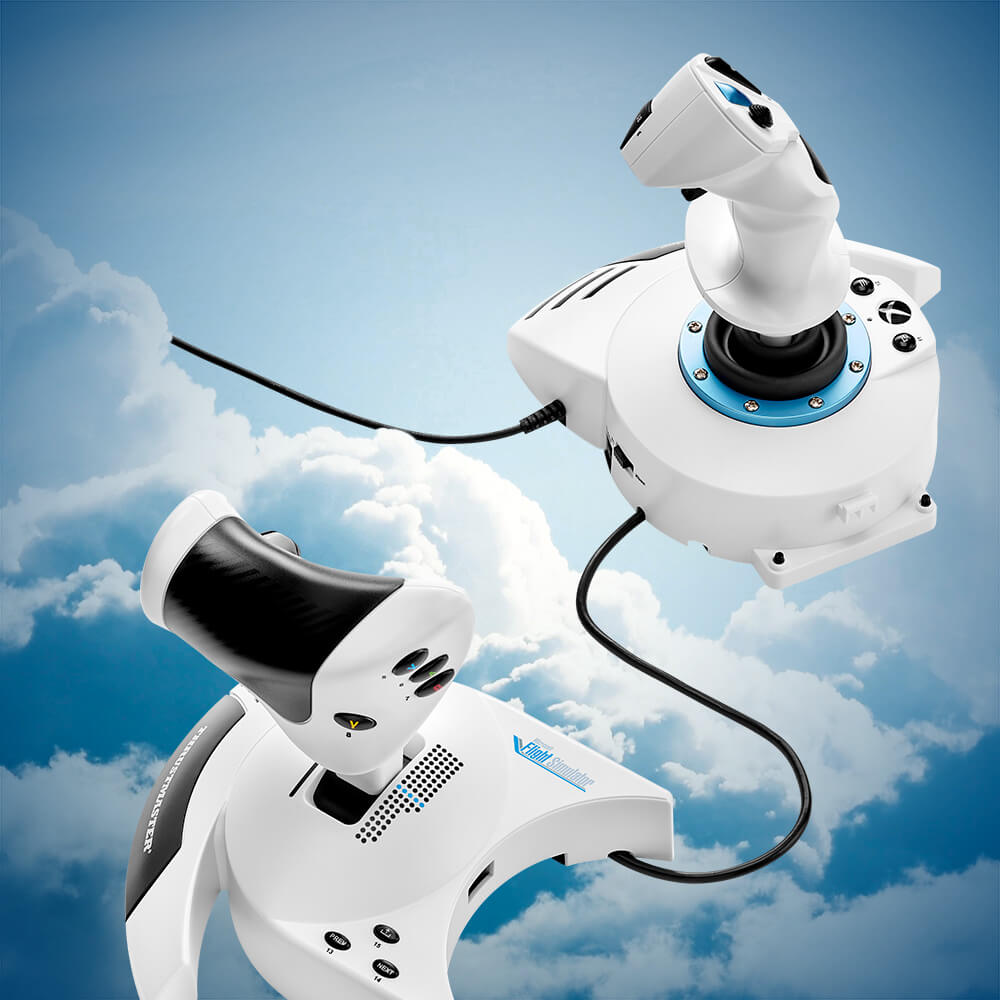
Throttles are essential pieces of equipment, as they are used to control your engine power or thrust levels during flight and taxi. Some joysticks may provide their own throttle lever or include one in a separate unit. You may also see throttle levers that can be used to control your aircrafts Mixture and Propeller Revolutions Per Minute (RPM) settings. Modern day airliners usually operate with “autothrust”, where the aircraft’s automated systems will control the levels of thrust to maintain the selected speed from the autopilot. This does not mean a set of throttles aren’t important for this type of flying though, as pilots will still use the throttle levers during various stages of flight, and whilst taxiing on the airport apron.
While most hardware manufacturers include throttle levers in a bundle package with a joystick, they may need to be purchased separately, depending on your choice of peripherals. You may wish to look for throttles that meet specific needs for your style of flying, be it a set with multiple levers, an array of programmable buttons, or including a range of travel for reverse thrust.
Entry-Level Suggestions
- Logitech Flight Throttle Quadrant (RRP $59.99) PC
Mid-Range Suggestions
- MOZA MTQ Throttle Quadrent (RRP $199) PC
- VKB STECS Throttle System (RRP $279) PC
- Honeycomb Bravo (RRP $296.46) PC/Xbox
High-End Suggestions
- Virpil VMAX Prime (RRP $479.95) PC
- Thrustmaster Viper TQS (RRP $349.99) PC
HOTAS (Hands On Throttle And Stick)
HOTAS (Hands-On Throttle and Stick) is a control system used in many real-world aircraft, particularly fighter jets. The design allows pilots to manage essential aircraft systems without taking their hands off the controls, improving efficiency and immersion.
In Microsoft Flight Simulator, a HOTAS setup provides easy access to a wide range of customizable buttons, allowing players to assign controls to suit their preferences. These settings can be adjusted in the Control Options menu for a more seamless flying experience.
Some HOTAS units that work in Microsoft Flight Simulator include:
Entry-Level Suggestions
- Thrustmaster T.Flight HOTAS One (RRP $99.99) PC/Xbox
- Thrustmaster T.Flight HOTAS 4 (RRP $99.99) PlayStation
Mid-Range Suggestions
- Thrustmaster T.16000M FCS (RRP $169.99) PC
- Logitech X52 Professional HOTAS (RRP $229.99) PC
- Turtle Beach VelocityOne Flightdeck (RRP $399.99) PC
- Logitech X56 HOTAS (RRP $249.99) PC
High-End Suggestions
- WINCTRL Orion2 HOTAS MAX (RRP $499.75) PC
- Thrustmaster HOTAS Warthog (RRP $549.99) PC
- Virpil WarBRD-D HOTAS Bundle (RRP $854.96) PC
Rudder Pedals
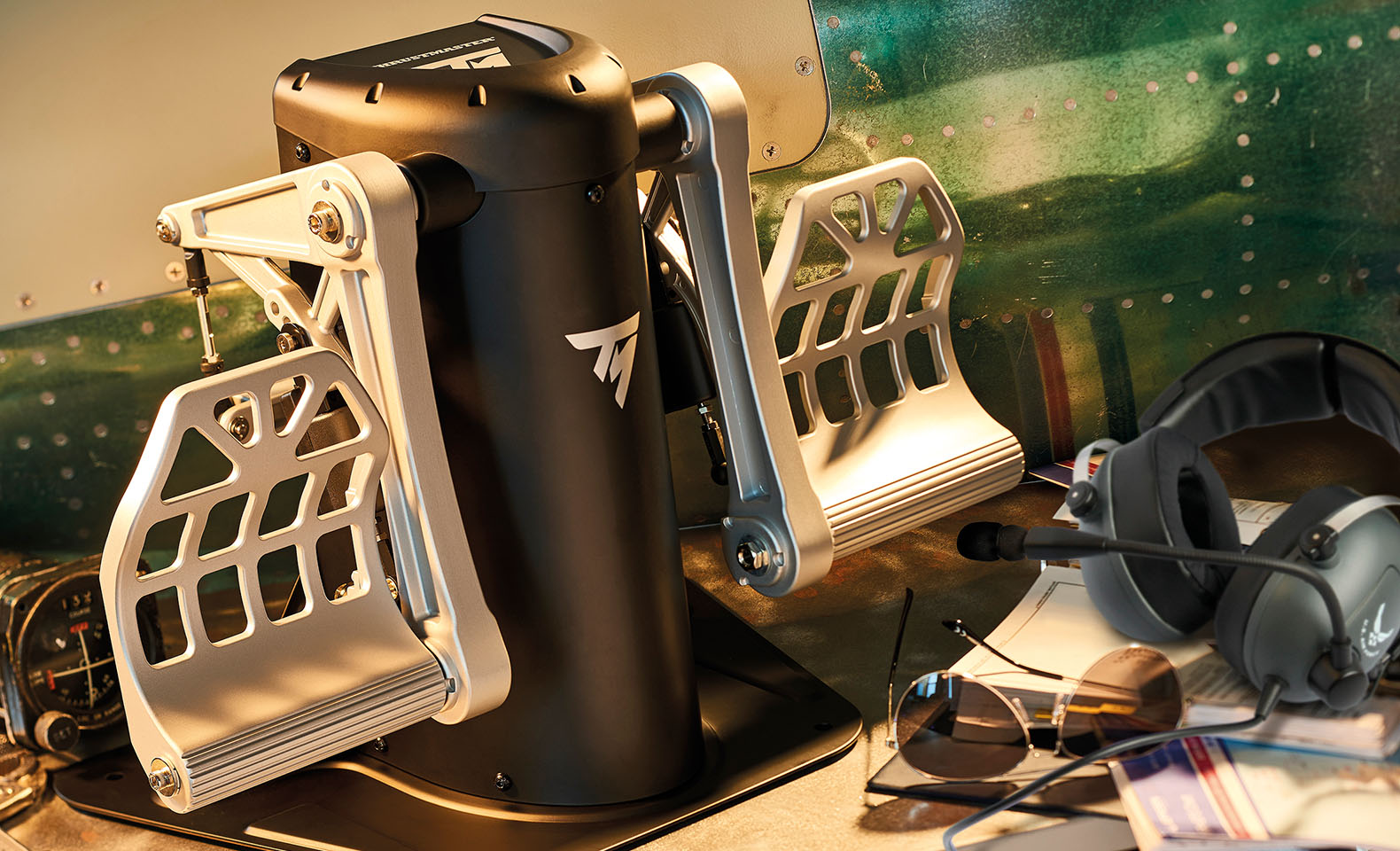
While many joysticks include a twist axis for rudder control, real-world pilots use rudder pedals to manage an aircraft’s yaw and braking with their feet. Although rudder pedals may take some time to get used to, they significantly enhance realism and help elevate your flight simulation experience to the next level.
Here are some options for popular Rudder Pedals:
Entry-Level Suggestions
- Logitech Flight Rudder Pedals (RRP $169.99) PC
- Thrustmaster T.Flight Rudder Pedals (RRP $129.99) PC/Xbox/PlayStation
Mid-Range Suggestions
- Turtle Beach VelocityOne Rudder (RRP $299.99) PC/Xbox
- MOZA MRP Rudder Pedals (RRP $349.00)
- Honeycomb CHARLIE Rudder Pedals (RRP $370.58) PC
High-End Suggestions
- MFG Crosswind Pedals (RRP Starting at $300) PC
- Thrustmaster Pendular Rudder (RRP$599.99) PC
- Virpil ACE Collection Pedals (RRP $419.95) PC
Handheld Controllers
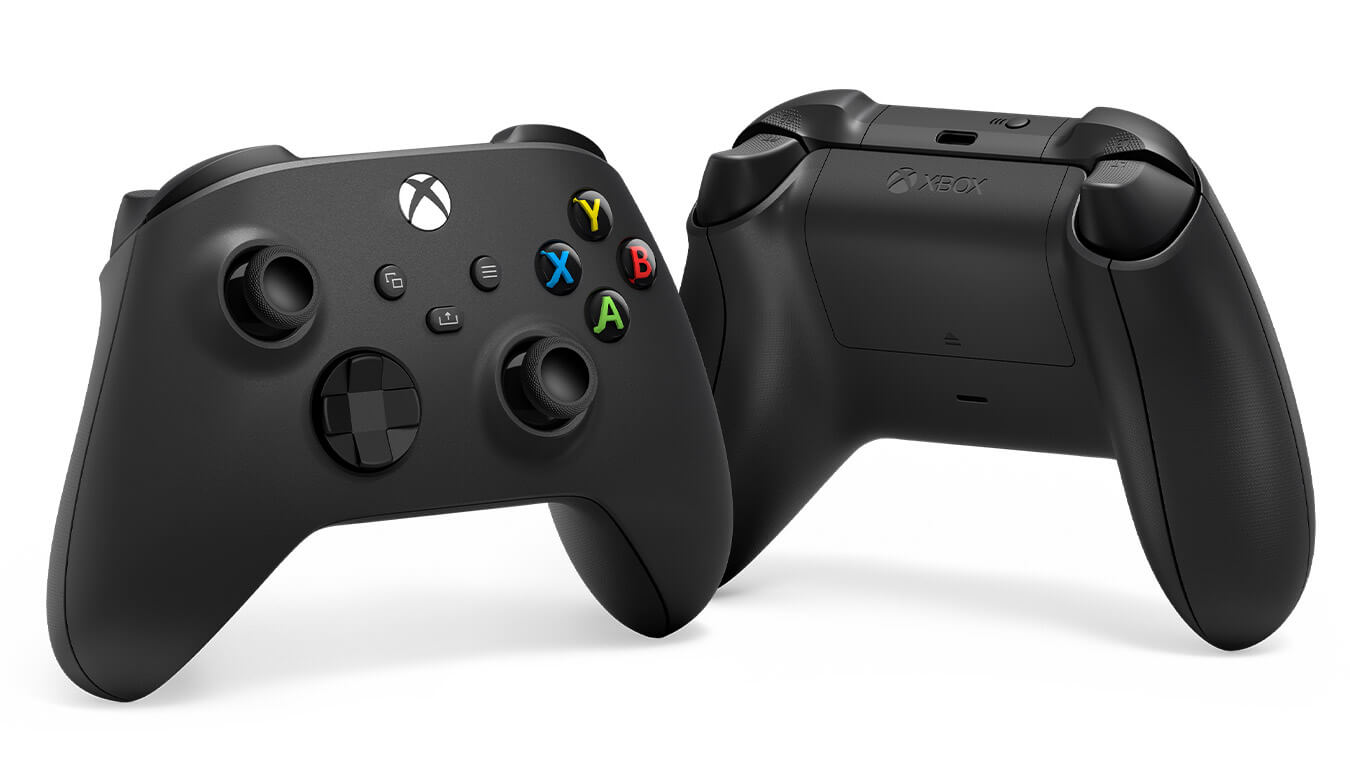
- Xbox Controller – While the Xbox controller doesn’t have dedicated flight simulation controls, it is fully compatible with both PC and Xbox Cloud Gaming. The Microsoft Flight Simulator development team has optimized gameplay for console gamepads, making it easy to get started. .
- PS5 Controller – The DualSense® wireless controller delivers an immersive flight experience on PlayStation 5, leveraging its unique features to enhance realism. Adaptive triggers provide dynamic resistance based on speed and surface type, while ATC communications play through the built-in speaker for authentic cockpit feedback. Gyro controls enable intuitive motion input, complemented by lightbar cues and a customizable touchpad for added functionality.
- Gamepads – Think of your standard Xbox or PS controller. A gamepad features buttons, analog sticks, and a directional pad (D-pad). Numerous generic PC gamepads are available from Thrustmaser, Turtlebeach, and more.
- Yawman – Designed by real-world aviation experts in the United States, the Yawman handheld controller is specifically tailored for flight simulation. Available only for PC, it offers a wide range of customizable inputs and is fully compatible with Microsoft Flight Simulator 2024.
Miscellaneous
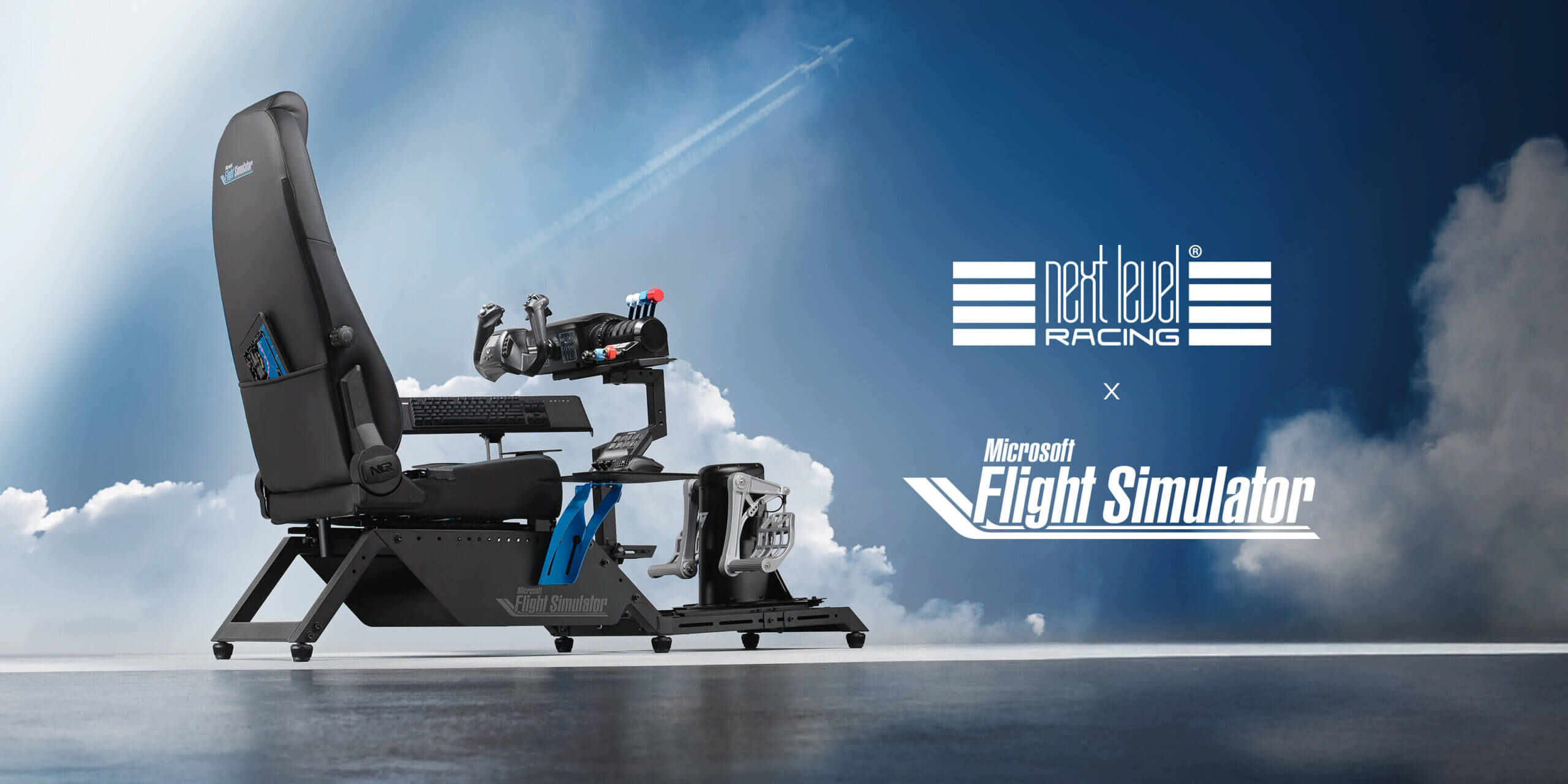
There are many options for other peripherals to help enhance your immersion with Microsoft Flight Simulator. These range from eye/head tracking units, to cockpit chairs, and even desktop Multi-Control Display Units (MCDU’s)!
FSExpo in the United States and FSWeekend in the Netherlands are two flight simulation events held yearly that are a great place to try out as many different peripheral options you’d like, as well as a wonderful way to participate in the simming community.
Whilst there are many products available from a variety of companies, here are just a few of our recommendations:
Tobii Eye Tracker 5 – Tobii Eye Tracker 5 translates your eye and head movements, allowing for complete immersion in Microsoft Flight Simulator so you can look around the cockpit, at your instruments, or out the window to admire the view or assess your position in the traffic pattern. Peripheral Spotlight: Tobii – Microsoft Flight Simulator
Next Level Racing Flight Cockpits – All of Next Level Racing’s flight simulators are fully compatible with most popular flight control peripheral devices, including those from Thrustmaster, Logitech, Honeycomb, and more. Each NLR flight simulator includes in the box several different control mounting plates that can be custom configured to your personal setup, whether you fly with a yoke, a sidestick, a between-the-legs flight stick, or helicopter controls. There are also mounting plates for your keyboard and mouse. Peripheral Spotlight: Next Level Racing – Microsoft Flight Simulator
Elgato Stream Deck – Elgato Stream Deck has long been considered a “must have” peripheral for video content creators on Twitch and YouTube, but did you know it can also function as a fully programmable control panel for flight simmers? Using the freeware plugin Flight Tracker created by Microsoft Flight Simulator community members Hy, Pieter, and rmroc451, simmers can use Stream Deck as a passive digital display to show the status of various aircraft systems such as the remaining fuel quantity in each tank, whether your landing gear is up or down, your current flaps setting, or whether or not your parking brakes are engaged. Find our more on our Peripheral Spotlight page: Peripheral Spotlight: Elgato – Microsoft Flight Simulator
Virtual Reality
Virtual Reality (VR) headsets are a great way to turn what is normally a 2D image on a flat screen into a 3D experience bringing MSFS to something much more akin to the real-world. Many flight simulation users solely use VR headsets when flying to further enhance realism, immersion, and the sense of being in control of a real aircraft. Additionally, there is a wide variety of Virtual Reality headsets available beyond those mentioned in this guide. We encourage you to explore different companies and products to find what best suits your personal preferences, budget, and flying style.
Pimax Crystal Light – Ranked the top VR headset of 2024, Crystal Light delivers breathtaking 2880×2880 resolution per eye and features premium glass aspheric lenses, making everything from your cockpit instruments to the skies around you sharp, vivid, and lifelike. Peripheral Spotlight: Pimax – Microsoft Flight Simulator
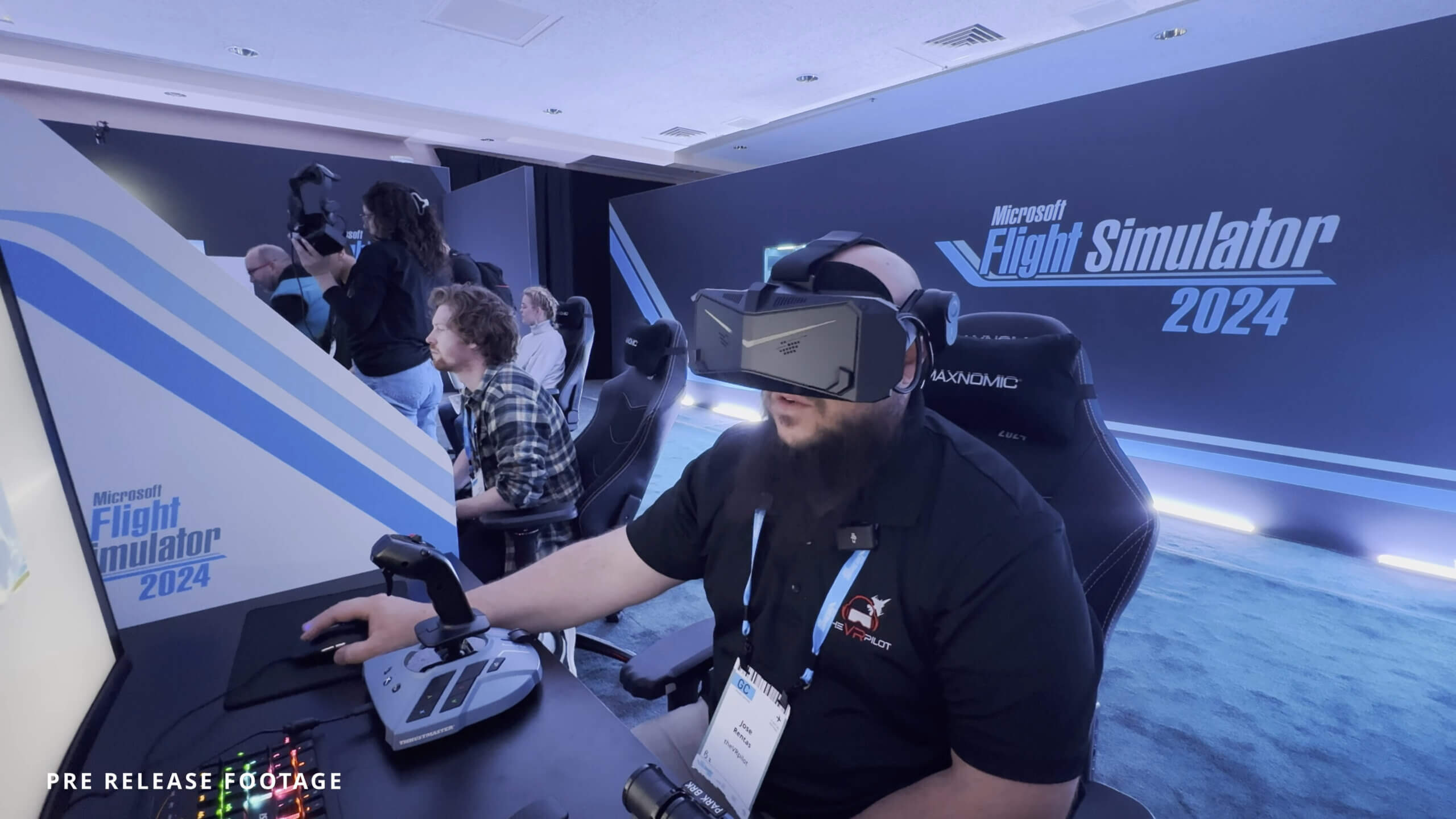
Meta Quest 3 – One of the most popular VR headsets available on the market currently, the Meta Quest 3 boasts 110 degrees of horizontal and 96 degrees of vertical field of view, as well as 2,064 x 2,208 pixels per eye, which is an almost 30% resolution enhancement over its predecessor. Meta Quest 3: Mixed Reality VR Headset – Shop Now | Meta Store
PlayStation VR (Coming in 2026)
PlayStation VR support is planned for 2026, bringing an exciting new way to experience Microsoft Flight Simulator on PS5. With PSVR, players can expect full immersion in the cockpit, leveraging the headset’s advanced tracking and high-resolution display for a realistic sense of presence.