

Microsoft Flight Simulator 2024 supports a wide range of hardware setups at various price points — from basic controls that get you into the air quickly to fully immersive home cockpits that replicate real aircraft! The level of detail in your setup will depend on your:
- Budget
- Available physical space
- Desired level of immersion
- Simulation needs
Below is a quick-start guide to the minimum requirements for playing MSFS, along with recommendations to enhance your experience.
PC Users

Minimum Requirements to Play:
- Keyboard and mouse
- A gamepad/joystick (such as an Xbox Controller) is required for aircraft control and drone mode
Enhanced Pilot Experience:
(See Beginner’s Guide to Peripherals for more details.)
- Compatible flight peripherals such as a HOTAS (Hands-on Throttle and Stick), stick/yoke, throttle quadrant, and rudder pedals
Premium Pilot Experience:
(See Beginner’s Guide to Peripherals for more details.)
- Head tracking hardware (e.g. TrackIR or Tobii Eye Tracker 5)
- Virtual Reality (VR) headset for full 360-degree immersion
- Avionics such as the FMS from WINCTRL or a Stream Deck for improved immersion
Xbox Series X|S Users
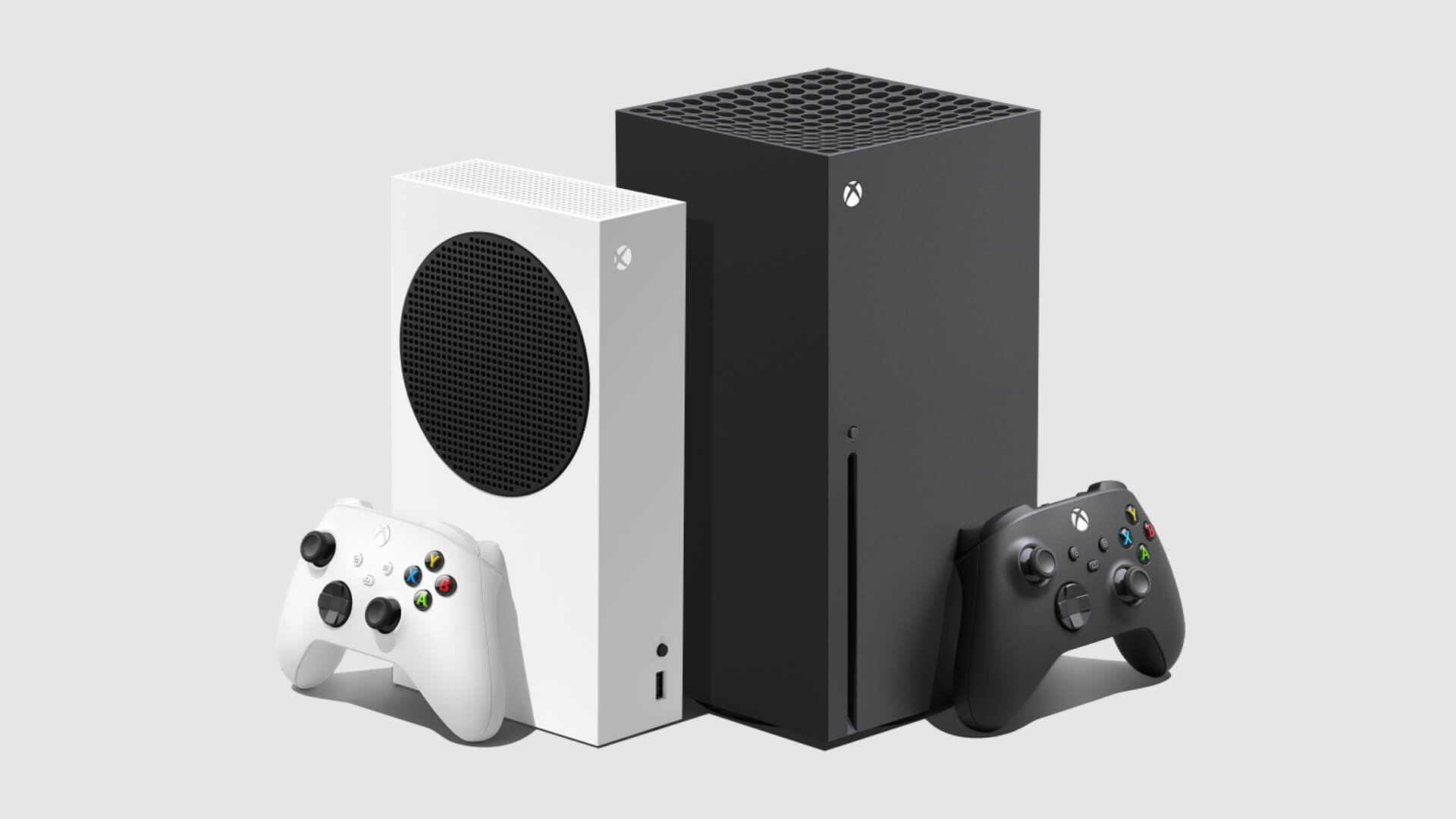
Minimum Requirements to Play:
- Xbox controller
Enhanced Pilot Experience:
(See Beginner’s Guide to Peripherals for more details.)
- USB mouse and keyboard (optional, but improves ease of use)
- Xbox Series S|X compatible flight peripherals such as a HOTAS, stick/yoke, throttle quadrant, and rudder pedals
PS5 and PS5 Pro Users
Minimum Requirements to Play:
- PS5 DualSense controller (includes motion control and audio features)
Enhanced Pilot Experience:
- USB mouse and keyboard
- Compatible flight peripherals such as:
- Thrustmaster T.Flight HOTAS 4
- Thrustmaster TFRP Flight Rudder Pedals
Premium Pilot Experience:
- PSVR support is planned for 2026, offering an immersive VR experience for PlayStation users.
Xbox Cloud Gaming
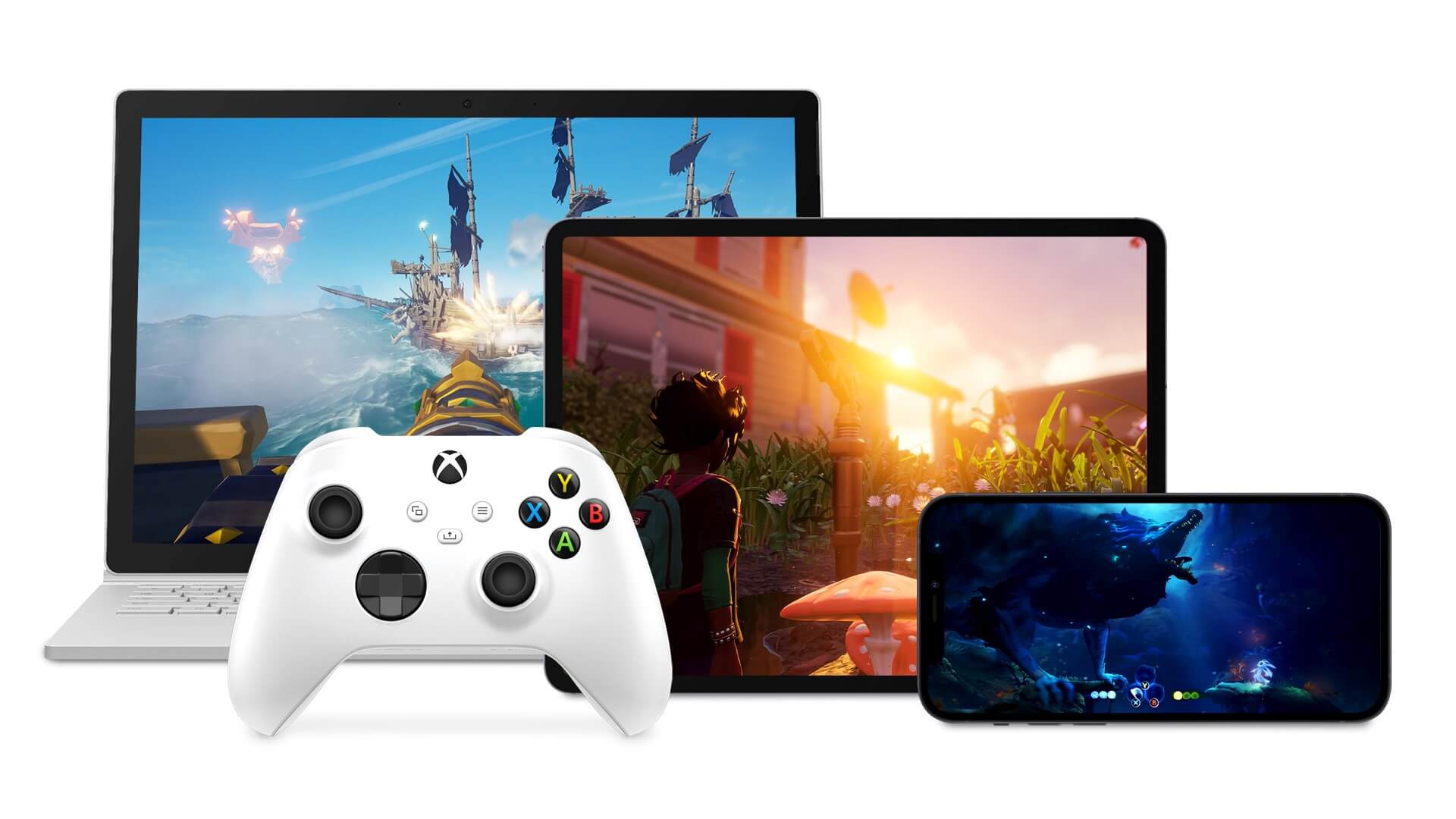
- Play MSFS via Xbox Game Pass on supported devices, including PCs, Macs, Xbox One consoles, phones, and tablets.
- Compatible with Xbox controllers and gyro/touch input devices (e.g. smartphones and tablets).
To learn more about peripherals, click here.